
How BillRadar works
BillRadar checks medical bills and insurance statements for errors, duplicates and financial help the family is owed.
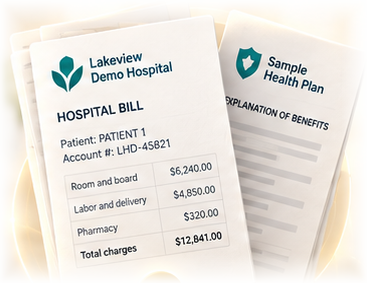
Find every sheet
SAM 3.1Photos of the papers on a table. Each sheet is found, straightened and numbered.
Hide names
On your computerNames, IDs, addresses and account numbers are covered before anything is sent.
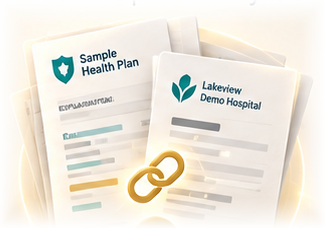
Read and connect all sheets
Muse SparkAll sheets and files are read together into one case: whose bill, which claim, which line.
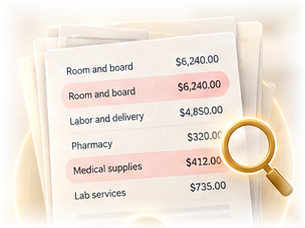
Check every quote and amount
Code checkerMuse WonderCode does the math against the hospital's real policy; every quote is found in the policy's own text. Muse Wonder takes a read-only second look. How it finds the hospital's own policy →
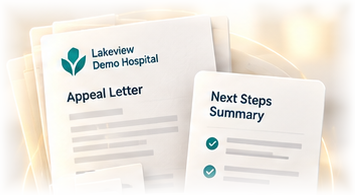
Letters and forms
Built from your caseReady letters and the hospital's own form, filled in on your computer.
By voice, and on the call
Say what happened or ask about your case in English or Spanish. On a call with the hospital, with everyone's consent, BillRadar hears both sides and tells you what to say, with the source.
BillRadar marks the exact line on the photo: code finds the row on your computer and SAM 3.1 confirms it on the covered sheet. See a marked line in the example. The pile can also come as a video from a phone: see the same papers filmed.
| SAM 3.1 | Finds every sheet on the photo of the table, follows the sheets through a video of it, and confirms a marked line on the covered sheet. | in the app |
| Muse Spark | Reads all sheets and files in one go, connects them into one case, answers questions about it, picks the prepared answer during a call, and fills in the online appeal form on a copy of the insurer's portal; you press Send yourself. | in the app |
| Muse Wonder | Takes a second, read-only look at the findings and letters. | in the app |
| Muse Voice Transcribe | Listens during a call with both sides' consent, and takes spoken questions and notes, in English or Spanish. | in the app |
| Muse Image | Draws the case as one picture; the numbers on it are written by code. | in the app |
Pictures on this page are illustrations; numbers and screens come from the app.